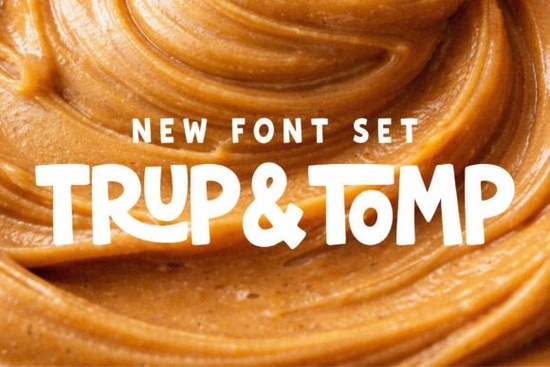
If you need a typeface that feels bold but still approachable, the Trup & Tomp Font duo gives you exactly that. It pairs a chunky, hand-drawn sans serif with a smooth handwritten script, so you get instant contrast without hunting for a second typeface. Designers, print-on-demand sellers, and small business owners use this kind of combination to make headlines pop while keeping supporting text readable and warm.
What makes this font pair work so well together?
The balance comes from contrasting weights. The display sans carries heavy strokes and uneven edges that mimic marker lettering. The script companion flows naturally with clean connections. Place them side by side and the thick sans anchors the layout while the script adds motion. You can also run them separately. The sans holds up nicely on packaging, while the script works well for signatures and lifestyle branding.
If you have tested other display options and found them too rigid, you will notice how this duo keeps a handmade feel while staying legible. It sits comfortably alongside rounded typefaces like soft marshmallow styles when you want a lighter accent, or it can stand alone when your layout needs more visual weight.
Where does it fit best in your projects?
This combination was built for attention-grabbing layouts that still need a friendly tone. Here are the spots where it performs reliably:
- Print-on-demand merchandise: T-shirt graphics, tote bags, and stickers where a bold headline meets a casual subheading.
- Children’s products and books: Playful covers, classroom posters, and activity sheets that require clear letters with a fun vibe.
- Social media and digital ads: Carousel covers, story templates, and Pinterest pins that need quick readability on mobile screens.
- Small business branding: Logo lockups, product labels, and thank-you cards that benefit from a consistent voice.
When you are building a collection that leans into modern lifestyle aesthetics, the script adds a personal touch that customers respond to. If your shop already uses heavier industrial letters like structured steel-inspired type, swapping in this duo for seasonal releases can soften your visual identity without losing impact.
How do you style and space these letters?
Good typography comes down to spacing and hierarchy. Start by setting the chunky sans in all caps for your main headline. Keep the tracking tight but not touching, usually around -10 to -20. Place the script underneath or overlapping slightly, but avoid crossing the ascenders and descenders. Let the script breathe with default tracking, since handwritten fonts rarely need manual letter spacing.
Color matters too. High-contrast combinations like charcoal on cream keep the hand-drawn texture visible. If you plan to print on textured paper or fabric, run a quick test print at full scale. Display fonts can lose fine details when scaled down, so keep body copy in a clean, neutral sans serif. When you want to explore other kid-friendly display options for secondary text, rounded children’s typefaces often pair smoothly with this style.
What should you check before downloading?
Font files behave differently across design programs, so a quick setup check saves time later. Make sure your software supports OpenType features if you plan to use alternate glyphs. Verify that the license covers your intended use, especially if you are selling physical products or digital templates. Most marketplace fonts include a commercial license, but the exact terms can vary by creator.
If you prefer working with pre-matched duos, you might also browse friendly script and sans combinations to compare spacing and weight. For projects that need a rougher, stamped appearance, textured display letters can give you that worn-in look while keeping the same bold presence. When you are ready to grab the original files, you can search for Trup & Tomp Font directly on the marketplace to review the full character set, licensing details, and included file formats.
Quick setup checklist before you start designing
- Install both the .OTF and .TTF files and restart your design software.
- Test the font at actual print size to check legibility and stroke weight.
- Set headline tracking between -10 and -20, leave script tracking at 0.
- Pair with a neutral body font to keep long text readable.
- Confirm commercial license terms for POD, digital downloads, or client work.
- Export a PDF or PNG proof before sending to print or uploading to your shop.
Keep your layout simple, let the contrast between the chunky sans and smooth script do the heavy lifting, and you will have clean, professional results that stand out on shelves and screens alike.
Explore Design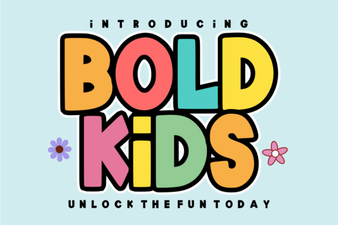 Bold Fonts for Kids: Creative Projects & Design Ideas
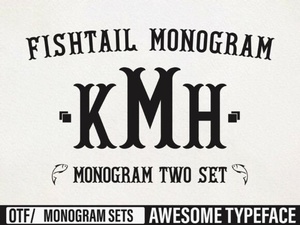 Craft Elegant Projects with Fishtail Monogram Font
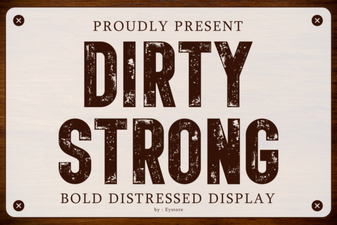 Clean and Strong: the Power of Bold Font Design
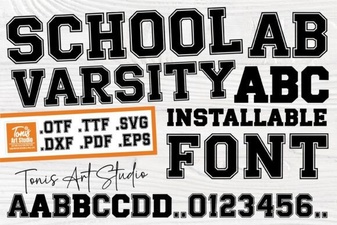 Varsity Font: Design & Projects for School Spirit
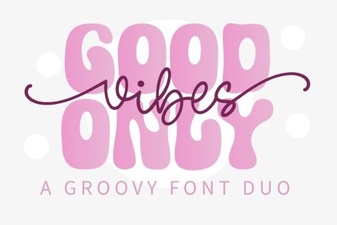 Perfect Pair: Good Vibes Only Duo Font for Your Design Projects
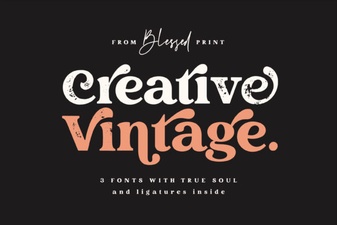 Craft Your Project with Vintage Font Creativity