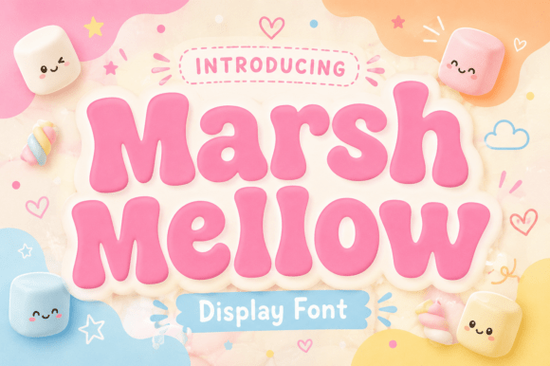
If you need a typeface that brings instant warmth and retro nostalgia to your projects, Marshmellow Font delivers exactly that. This chunky display typeface draws from 1970s design trends, featuring thick, pillowy letterforms and smooth, rounded edges that feel playful yet professional. Whether you run a print-on-demand shop, design custom packaging, or create social media content for a small brand, this font gives you a reliable way to add personality without sacrificing readability.
What makes this retro display font stand out?
The soft-edged structure replaces sharp corners with gentle curves that mimic a comfortable, sugary feel. The weight is consistently heavy, making it highly visible even on mobile screens. Designers choose this style because it carries a natural sense of humor and lighthearted charm. It embraces a hand-crafted, vintage aesthetic that resonates with audiences who appreciate authenticity. Chunky fonts often become unreadable when letters crowd each other, but this typeface maintains clear internal counters and comfortable kerning. You can use it for short headlines or brand marks without spending hours adjusting individual letter positions.
Where does a chunky 70s typeface work best?
Not every project needs a heavy display font, but this one fits neatly into several creative workflows:
- Apparel and merch: The bold silhouette prints cleanly on t-shirts and stickers.
- Packaging and labels: Craft suppliers and food brands use this style to signal friendliness.
- Social media graphics: Sale announcements and carousel covers benefit from the high contrast.
- Logo marks: Small businesses in the lifestyle space often need a mark that feels welcoming.
Remember that display typefaces are meant for headlines. If you need body text for a website or brochure, pair this font with a lightweight sans serif to keep the layout balanced.
How do you pair it with other typefaces?
Finding the right companion font is usually about contrast. Since this lettering carries heavy visual weight, you want supporting text that steps back. A neutral sans serif works well for descriptions. If you prefer something with more character, you might explore a clean sans serif companion that keeps the layout airy. For projects that lean into a hand-drawn feel, a playful handwritten style can add a casual vibe to secondary text.
Sometimes you need to shift the mood entirely. If your brand requires a tougher aesthetic, swapping the headline for sharper industrial lettering creates immediate contrast. For a younger audience, youthful block letters maintain that chunky energy with a different rhythm. When working on modern event posters, futuristic display lettering can replace the retro feel while preserving strong visual hierarchy.
What should you check before downloading?
Before adding any font to your toolkit, verify a few practical details. Confirm the file formats, as most design software works smoothly with OTF or TTF files. Review the character set to ensure it includes the punctuation and numerals your project requires. Always read the licensing terms carefully, since personal and commercial use often have different rules for merchandise. You can preview the full character set and licensing options for Marshmellow Font directly on the marketplace. Taking two minutes to verify these details saves you from reformatting files later.
Quick checklist before you start designing
- Test the font at multiple sizes to confirm readability on desktop and mobile.
- Pair it with a lighter supporting typeface to avoid visual clutter.
- Check the license for your specific use case, especially for print-on-demand items.
- Export a sample mockup in your brand colors to see how the thick strokes interact.
- Keep headlines to three lines maximum so the chunky shapes retain their impact.
Always test your layout with real copy first instead of placeholder text. Real words will show you exactly how the curves and spacing behave, and you can adjust your layout before committing to the final design.
Get Started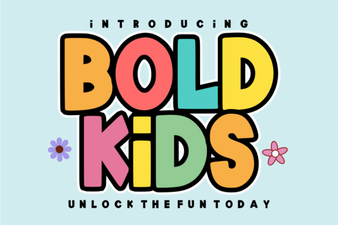 Bold Fonts for Kids: Creative Projects & Design Ideas
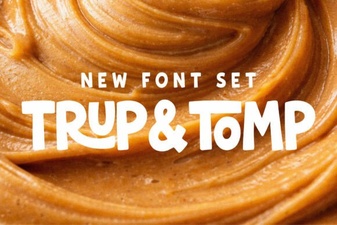 Typography Projects: Using the Trup & Tomp Font
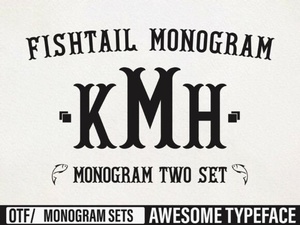 Craft Elegant Projects with Fishtail Monogram Font
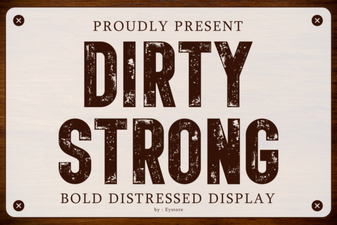 Clean and Strong: the Power of Bold Font Design
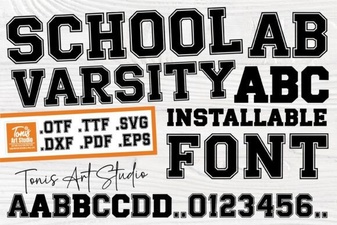 Varsity Font: Design & Projects for School Spirit
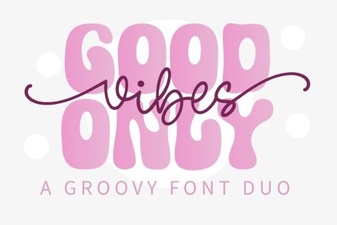 Perfect Pair: Good Vibes Only Duo Font for Your Design Projects