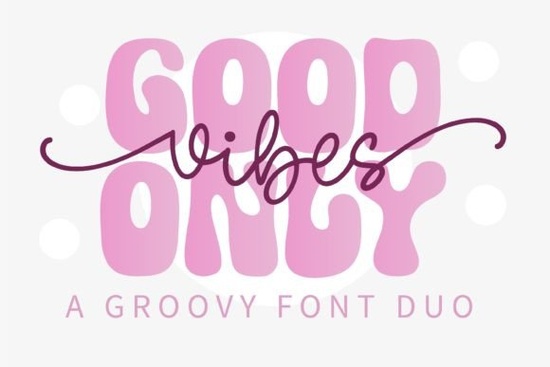
If you need a typeface that brings instant retro charm to your layouts, Good Vibes Only Duo Font gives you two complementary styles in one package. The set pairs a bold display face with a smooth monoline script, so you can build balanced headlines, logos, and product mockups without hunting for matching fonts. Designers, crafters, and print-on-demand sellers choose duo fonts like this because they cut down on trial-and-error while keeping a consistent visual rhythm across posters, stickers, and apparel.
What makes this retro duo font stand out?
The display style leans into thick, rounded letterforms that echo 1970s poster art, while the script adds a relaxed, hand-drawn flow. Both styles share the same underlying proportions, which means they sit comfortably together on the same line or stacked in a badge layout. You will notice clean curves and even spacing that catch the eye without overwhelming smaller text blocks. When you want a slightly different mood, you might browse alternatives like a chunky retro display option or test a heavier brush style for extra texture.
Which projects work best with a groovy typeface?
This font shines when your design needs a laid-back, nostalgic feel. Think boho wedding invitations, summer festival posters, coffee shop branding, or POD t-shirts with positive quotes. The script works nicely for short phrases, while the display face handles main headlines. Crafters cutting vinyl decals will appreciate the closed counters and steady stroke width, which translate cleanly to cutting machines. If your shop leans toward athletic themes, you might pair this groovy style with a classic varsity lettering set or try a traditional collegiate typeface when you need sharper lines.
How do you pair the display and script styles effectively?
Let one style lead. Use the display font for your primary message and reserve the script for a supporting line, date, or signature. Keep the hierarchy clear by adjusting size and tracking rather than adding heavy outlines. A simple approach that works well:
- Limit your palette: two to three colors max so the letterforms stay readable.
- Watch the baseline: align the script slightly above or below the display text to avoid visual crowding.
- Test at small sizes: print a 2-inch sample to check how the monoline strokes hold up on your chosen material.
- Use ample white space: retro fonts breathe better when surrounded by clean margins.
When you need a softer alternative for background text, a rounded display face can sit quietly behind your main headline without competing for attention.
What should you check before downloading a font for commercial use?
Always review the license file included with your download. Marketplace fonts usually offer personal and commercial tiers, but terms vary by creator. Confirm whether you can use the typeface on physical products, digital downloads, or client branding. Check if web embedding requires an additional license. Keeping a simple folder of your purchased licenses saves time during platform reviews. You can preview the latest pricing, file formats, and licensing details for Good Vibes Only Duo Font directly on the marketplace.
Which file formats and software work best?
Duo font packs typically include OTF and TTF files that install smoothly on Windows and macOS. Design programs like Illustrator, Photoshop, Affinity Designer, and Canva will recognize both styles immediately. For crafters using Cricut Design Space or Silhouette Studio, install the fonts to your system first, restart the software, and search by the exact family name. Open the glyph panel to access swashes or punctuation variations, and run a quick test cut on scrap material to see how the monoline script handles weeding.
Quick next steps before you start designing:
- Install both OTF and TTF files, then restart your design software.
- Set up a 12x12 inch canvas and test the display and script at 72pt, 48pt, and 24pt.
- Print a physical proof to verify stroke thickness and spacing on your target material.
- Save the license PDF in your project folder for future reference.
- Create three simple mockups to see how the duo scales across different products.
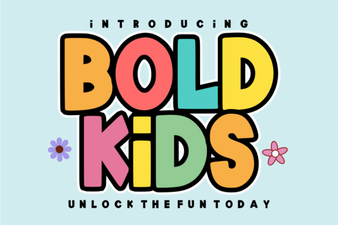 Bold Fonts for Kids: Creative Projects & Design Ideas
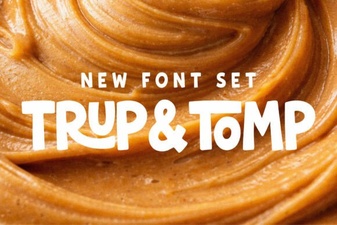 Typography Projects: Using the Trup & Tomp Font
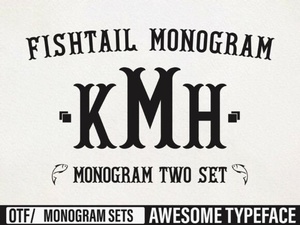 Craft Elegant Projects with Fishtail Monogram Font
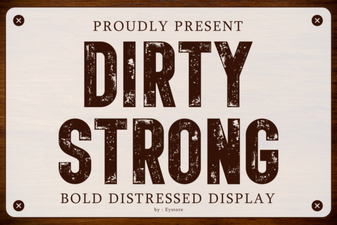 Clean and Strong: the Power of Bold Font Design
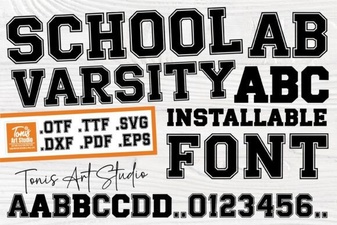 Varsity Font: Design & Projects for School Spirit
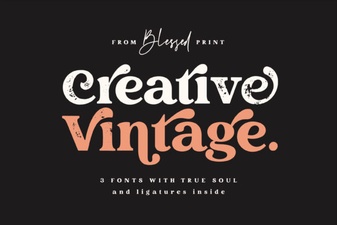 Craft Your Project with Vintage Font Creativity