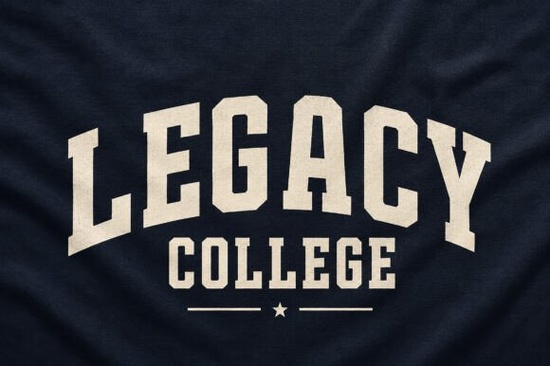
If you need a typeface that instantly reads like vintage varsity lettering, Legacy College Font delivers that classic campus look without manual texturing. It includes a built-in fabric grain and a natural arched baseline, so you can drop it into your design software and get a finished, worn-in feel immediately. This saves time for print-on-demand sellers, small shop owners, and hobbyists who need reliable results.
What makes this typeface work for sports and vintage designs?
Instead of flat blocks, the letters carry a subtle grain that mimics embroidered athletic wear. The arched baseline removes the need for warping tools, which speeds up layouts for team names, event posters, or alumni merchandise. Because the texture is baked into the glyphs, it scales cleanly for stickers and banners alike. You get consistent weight across all characters, keeping your designs balanced even when mixing cases.
Which projects get the best results?
This style shines when you lean into its heritage roots. Here are a few reliable starting points:
- Apparel and streetwear: Hoodies and caps that need a retro athletic vibe.
- Print-on-demand merch: Mugs and posters where bold readability matters.
- Local sports branding: Tournament flyers and fundraiser shirts.
- Campus goods: Reunion invites and vintage-style decals.
Keep backgrounds clean and let the letters breathe. Avoid crowding the layout with extra decorations, since the grain already adds visual weight.
How do I pair it with other typefaces?
Block display fonts work best when balanced with simpler companions. You want a secondary font that handles body text without competing for attention. When you need a softer touch for lifestyle brands, a rounded option like this playful marshmallow style keeps the design approachable. For family event shirts, a chunky alternative such as a bold children’s typeface creates a friendly contrast.
If your project leans into rugged themes, try combining it with a heavy metallic-inspired font for subheads. When you want a hand-stamped feel for limited runs, a distressed heavyweight option adds grit without clutter. For modern streetwear, a structured contemporary display keeps the layout tight.
What should I know before downloading?
Always check the license file. Most marketplace fonts include a commercial desktop license, but print-on-demand platforms often require an extended license. Verify the terms before uploading. Install the .OTF or .TTF files, restart your software if needed, and convert text to outlines before sending files to a printer.
If you want to compare it with similar varsity styles, you can browse Legacy College Font directly on the marketplace. Checking the character map will help you confirm language support before starting a project.
How do I get clean prints with textured letters?
Grain textures can blur if your resolution is too low. Keep your canvas at 300 DPI and avoid over-scaling. For screen printing, ask about halftone settings that preserve fine details. Direct-to-garment methods usually need a test print first, since dark fabrics require a white underbase that can soften the texture. Boost your file contrast slightly to compensate.
Color choice matters too. High-contrast pairs like cream on navy or white on charcoal mimic classic team palettes and keep the grain visible. Skip dark-on-dark combinations unless you add a thin stroke for separation.
Quick setup checklist before you export:
- Verify your license covers your sales channel.
- Set documents to 300 DPI and CMYK.
- Test the arched baseline at actual print size.
- Pair with a simple font for small details.
- Run a mockup to confirm texture clarity.
Start with one layout, adjust the tracking until the letters sit comfortably, and save your settings as a template. Reuse that structure for future drops to keep your workflow consistent.
Explore Design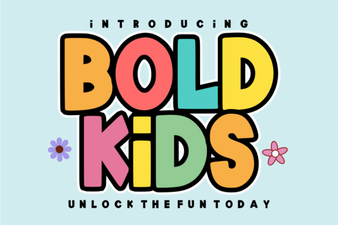 Bold Fonts for Kids: Creative Projects & Design Ideas
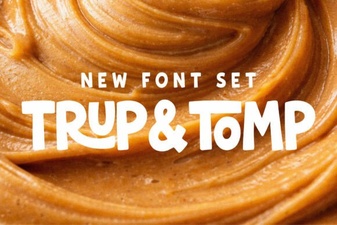 Typography Projects: Using the Trup & Tomp Font
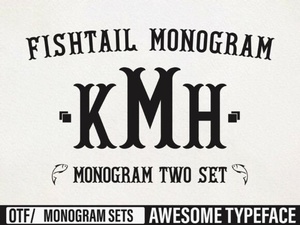 Craft Elegant Projects with Fishtail Monogram Font
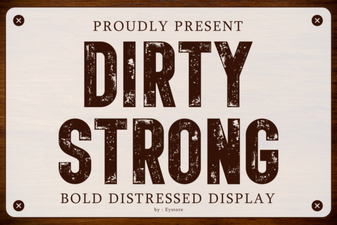 Clean and Strong: the Power of Bold Font Design
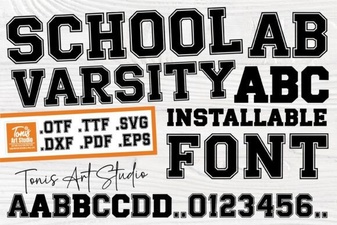 Varsity Font: Design & Projects for School Spirit
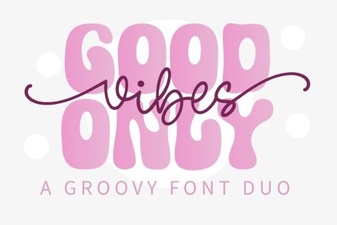 Perfect Pair: Good Vibes Only Duo Font for Your Design Projects