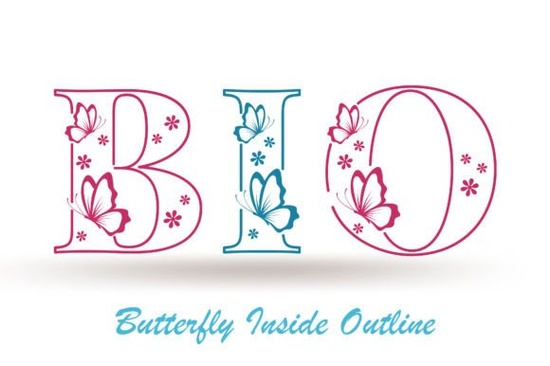
If you are looking for a decorative typeface that brings a light, hand-drawn charm to your layouts, Butterfly Inside Font delivers exactly that. The outline style is built around elegant letterforms and subtle ornamental details, making it a practical choice for stationery, social graphics, and small-batch product labels. Instead of heavy, blocky letters, you get open shapes that let background colors and textures show through, keeping your designs airy and approachable.
What makes this lettering style different from standard decorative fonts?
Most outline typefaces rely on uniform strokes that look rigid when scaled down. This design varies the line weight slightly and adds delicate swashes that mimic pen-on-paper movement. The result is an authentic, craft-friendly feel that works well when you want your project to look personally made. The built-in ornaments also save time. Instead of hunting for separate floral graphics, you can access them directly through your design software’s glyph panel.
For print-on-demand sellers and small shop owners, that extra detail matters. The open structure of these letters also means ink coverage stays low, which helps reduce printing costs and prevents smudging on porous materials like kraft paper or uncoated cardstock.
Which projects actually benefit from this outline style?
Not every design needs a decorative font, but certain formats thrive on it. Here is where this typeface tends to perform best:
- Greeting cards and wedding suites: The airy strokes pair nicely with thick cotton paper and letterpress techniques.
- Social media quotes: The outline reads clearly over photos when you add a subtle drop shadow or place it on a muted background.
- Product packaging: Small businesses use it for candle jars and skincare bottles where a soft, boutique look is the goal.
- Digital planners and printable art: Crafters appreciate how the light strokes leave room for watercolor washes or digital overlays.
If you are testing it on merchandise, print a sample at actual size first. Outline fonts can lose detail when shrunk below half an inch, so keep headlines above that threshold for crisp results.
How do I pair it without making the layout look cluttered?
Decorative lettering works best when it has room to breathe. Use it for one or two focal words, then ground the rest of your text with a clean sans-serif or simple serif. A neutral companion font keeps the ornaments from competing with your message. If you want to explore another delicate typeface for secondary headings, you might browse options like a softer script alternative that shares the same light aesthetic without overlapping visually.
Color choice also plays a big role. Dark charcoal, deep navy, or muted earth tones usually read better than pure black, which can make thin outlines feel harsh. When placing text over photographs, add a semi-transparent shape behind the letters or increase the tracking slightly so the background does not break up the word shapes.
What should I know about installation, formatting, and commercial use?
Before you start designing, check that you have the right file format for your workflow. Most decorative fonts come in OTF and TTF versions. OTF files typically support advanced OpenType features like alternate glyphs and swashes, which is where the ornamental details live. If you use Cricut Design Space, Silhouette Studio, or Canva, install the font at the system level first, then restart the application so it appears in your dropdown menu.
Licensing is just as important as installation. If you plan to sell physical items, digital templates, or print-on-demand products, make sure your license covers commercial use. You can review the full terms and grab this particular lettering style directly from the creator’s page to confirm what is included. For broader marketplace searches, you can also look up Butterfly Inside Font to compare licensing tiers and bundle options.
Quick setup checklist before you start designing
- Install the OTF version to access alternate glyphs and ornaments through your software’s glyph panel.
- Test print at 100% scale to verify stroke clarity on your chosen paper or product material.
- Pair with a simple sans-serif for body text and keep decorative usage to short headlines.
- Adjust tracking to +10 or +20 if the outline feels too tight over busy backgrounds.
- Confirm your license covers your intended use, especially for digital downloads and storefront sales.
Start with a small mockup, check how the letters interact with your colors and textures, and adjust the sizing before committing to a full production run. A quick test file saves time, prevents misprints, and keeps your final product looking polished.
Try It Free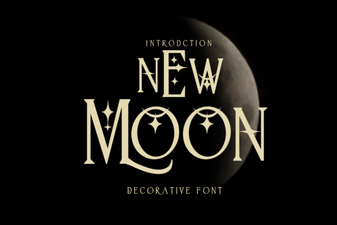 Design & Download the New Moon Font
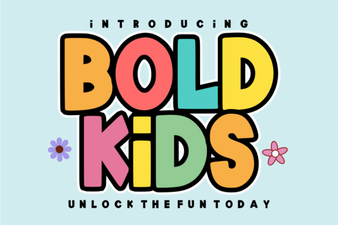 Bold Fonts for Kids: Creative Projects & Design Ideas
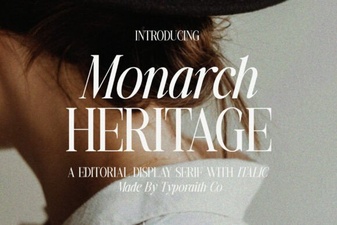 Monarch Heritage Font for Your Design Projects
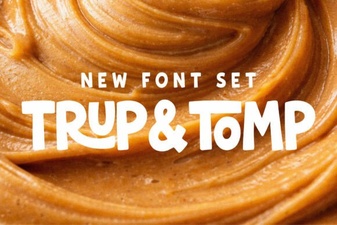 Typography Projects: Using the Trup & Tomp Font
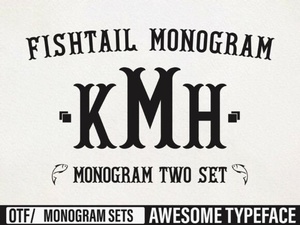 Craft Elegant Projects with Fishtail Monogram Font
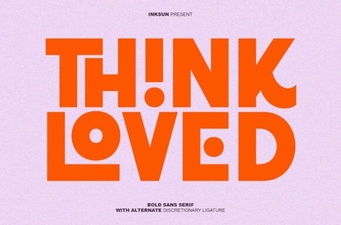 Think Loved Font: Perfect for Personal and Creative Projects