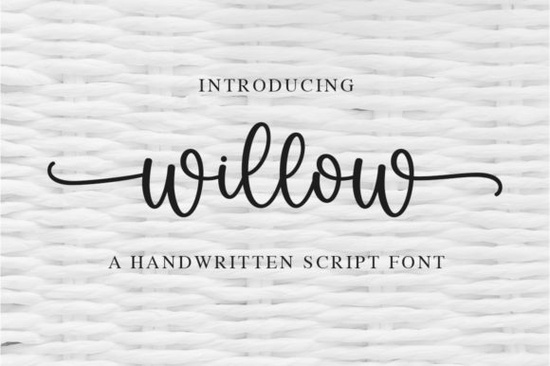
If you are looking for a clean, readable script that feels personal without being hard to read, Willow Font is a practical choice for everyday design work. This delicate, handwritten style brings a natural flow to invitations, product labels, and social media graphics. Because the characters are evenly spaced and carefully balanced, you can drop it into almost any layout without worrying about awkward gaps or overlapping letters. Many crafters and small business owners choose this typeface when they want a soft, approachable look that still reads clearly at smaller sizes.
What makes this handwritten style work for everyday projects?
Script typefaces often struggle with readability, especially when used for longer phrases or detailed packaging. Willow avoids that problem by keeping the letterforms open and the connections smooth. The strokes vary just enough to feel hand-drawn, but they stay consistent enough to look professional on printed materials. If you run a print-on-demand shop or create digital downloads, you will notice how easily it pairs with simple sans-serif fonts for contrast. When you need a slightly different mood for a seasonal collection, you might also browse options like Shina Qatline for a more structured script feel.
Which design projects pair well with a flowing script?
This font fits naturally into branding work that relies on warmth and authenticity. Think wedding stationery, boutique clothing tags, candle labels, and handwritten-style quotes for wall art. The flowing rhythm works especially well for short headlines, logos, and accent text. For longer body copy, it is usually better to stick with a clean serif or sans-serif and reserve the script for titles or signatures. If you are building a font library for client work, keeping a few reliable handwritten styles on hand saves time during the drafting phase. Some designers also keep Ourstory in their toolkit when they need a matching serif and script combination for brand kits.
How do you access the extra glyphs and swashes?
One of the most useful features of this typeface is that it comes fully PUA encoded. That means you do not need special software to reach the alternate characters, decorative swashes, or stylistic sets. In programs like Cricut Design Space, Silhouette Studio, or standard Adobe applications, you can open the glyph panel and click directly on the variation you want. This is particularly helpful when you are customizing names on wedding invitations or adding flourishes to a logo mark. If you prefer scripts with a more playful bounce, you might also test Lucky to see how different letter connections change the overall mood of your layout.
What should you check before downloading a new typeface?
Before adding any font to your workflow, it helps to verify a few practical details. First, confirm the licensing terms match your intended use, especially if you plan to sell physical products or digital templates. Second, test the font at multiple sizes to ensure the thin strokes hold up on your preferred printer or cutting machine. Third, check whether the file includes both OTF and TTF formats, since some older design programs or cutting software handle one format better than the other. When you are comparing a few handwritten options for a specific client brief, looking at alternatives like Montana can help you decide which stroke weight and spacing best fit the project requirements.
Where can you review the full character set and licensing?
You can explore the complete preview gallery, commercial license details, and file specifications directly on the marketplace page for Willow Font. The product listing also shows real-world mockups, which make it easier to picture how the letters will look on your own materials. Taking a few minutes to read the creator’s notes often reveals helpful tips about pairing suggestions and software compatibility. If you want to see how this style fits alongside other handwritten options, you can also visit the Willow script fonts collection for additional layout inspiration.
Quick checklist before you start designing
- Install both the OTF and TTF files to avoid compatibility warnings in older software.
- Open your glyph panel early so you can map out swashes and alternates before finalizing text.
- Pair the script with a simple, neutral sans-serif to keep the layout balanced and readable.
- Run a test print or cut at the exact size you plan to use, especially for thin stroke details.
- Double-check the commercial license if you are selling finished goods or digital templates.
Start with a single headline or quote, adjust the tracking slightly if the letters feel too tight, and save your favorite glyph combinations as text presets for faster workflow on future projects.
Get Started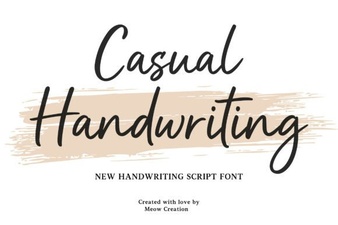 Casual Fonts for Creative Projects & Everyday Use
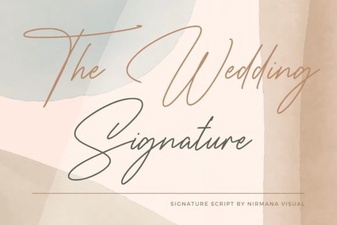 A Modern Font for Wedding Invitations & Stationery
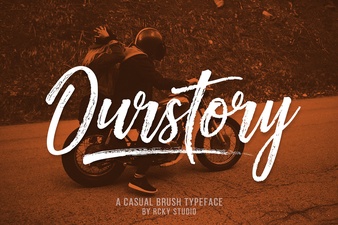 Ourstory Font Duo: the Perfect Pair for Creative Design
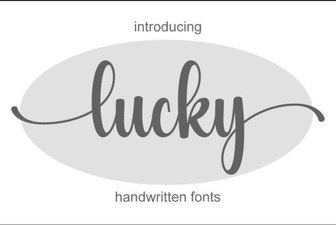 Lucky Font Styles for Creative Design Projects
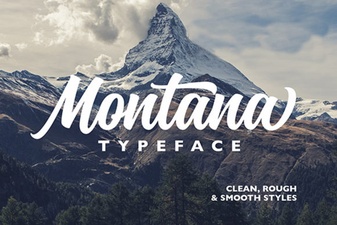 The Montana Font for Bold Creative Projects
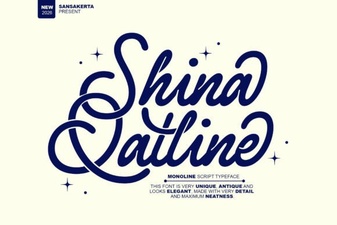 Shina Qatline: a Font for Creative Arabic Design